
Bookings, Deposits & QR Check-In
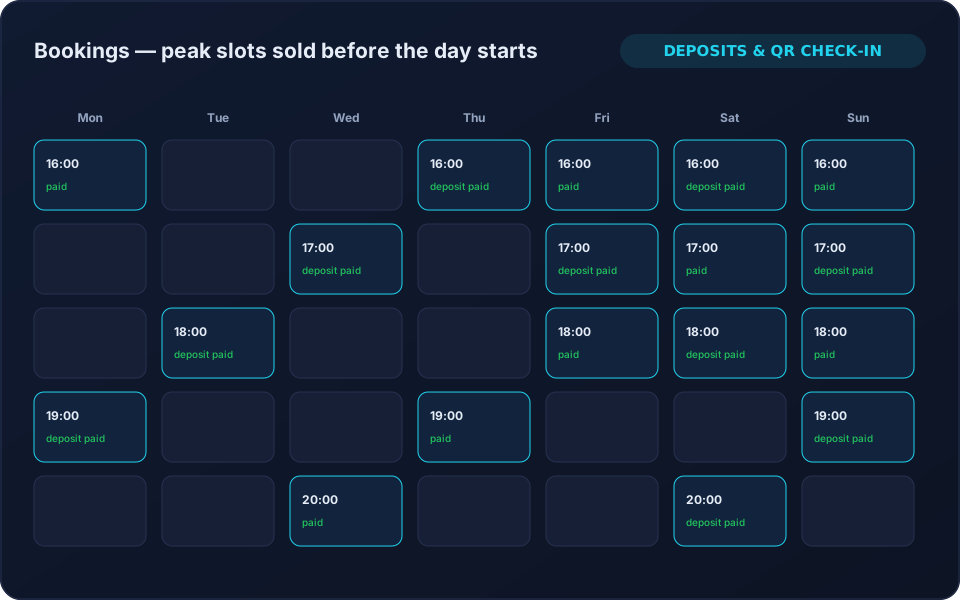
Take the reservation before the customer arrives, hold the resource, collect a deposit, and check them in with a scan — so peak hours are sold in advance instead of hoped for.
The problems this solves
What you get
Advance Reservations
Reserve tables, stations, lanes or courts ahead, with the resource held and visible as Reserved on the floor screen.
Deposits & Payment
Take a deposit or full payment at the time of booking, against the customer's account or wallet.
QR Check-In
The customer scans on arrival and the session starts, so the counter is not a bottleneck.
Reschedule & Cancellation Rules
Define what can be moved or cancelled and when, so the rule is the system's and not the cashier's.
Request & Approve
In hybrid mode a customer requests a session and staff approve it, keeping control on busy nights.
Booking & No-Show Reporting
Booked versus walk-in revenue, no-show rates and the slots worth pricing differently.
Why operators choose it
- Peak slots sold before the day starts.
- Deposits that make no-shows cost the customer, not you.
- One source of truth for what is reserved.
- Faster arrivals and shorter counter queues.
- Booking data that drives peak pricing.
Frequently Asked Questions
Can customers book from their phone?
Yes — through the customer mobile app or the QR self-service flow, with staff approval if you want it.
Can we take a deposit rather than full payment?
Yes. Bookings can carry a deposit or be paid in full, and the balance settles when the session closes.
What happens to a reserved table on the floor screen?
It shows as Reserved so staff do not sell it to a walk-in, and it converts to a running session at check-in.
Related solutions
Ready to run your game center on autopilot?
See 8BallPOS live with your own venue in mind — free, usually 30 minutes. No public price list: we quote what your venue actually needs.